
 By George Thompson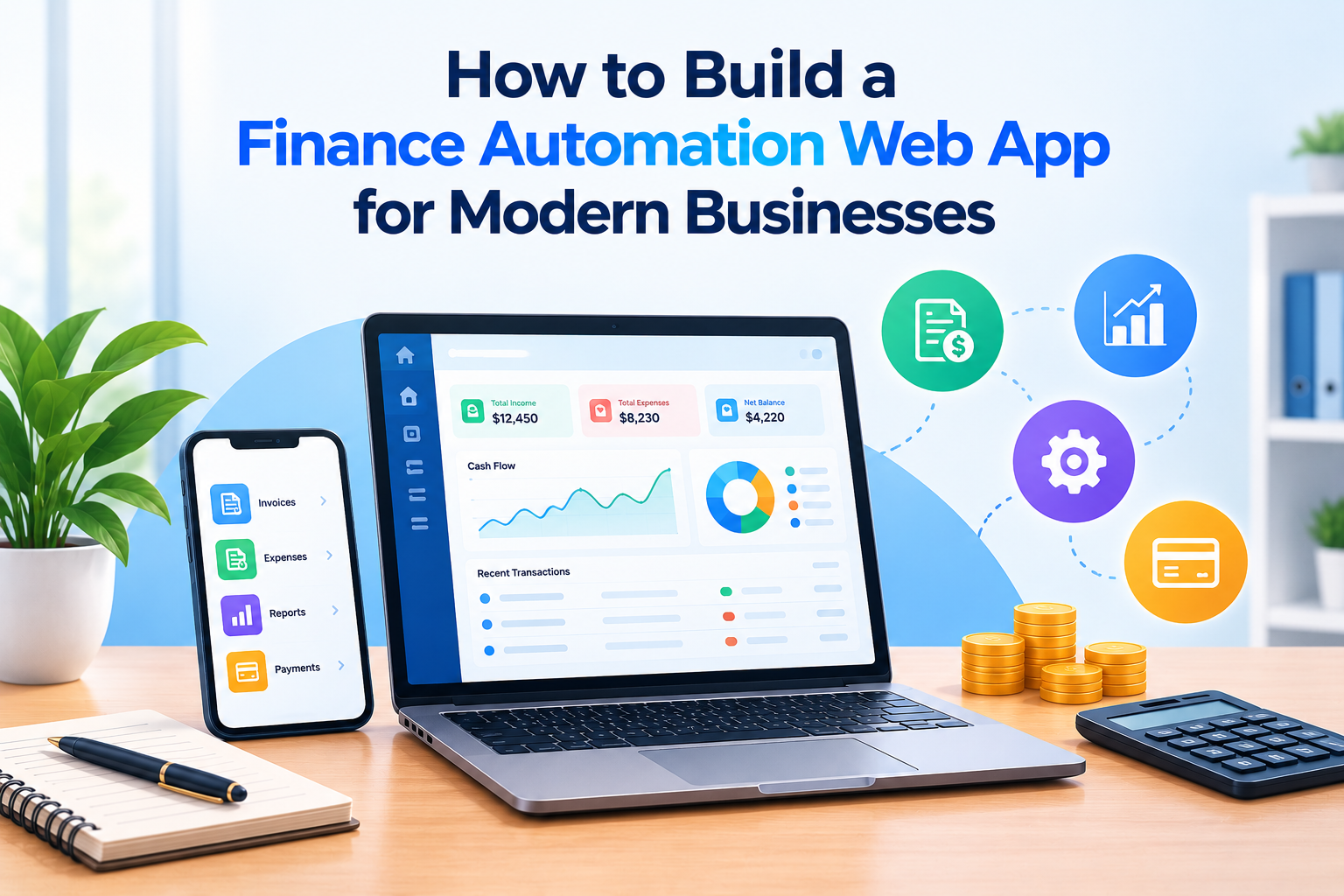
Financial management is an essential part of running a successful business. From tracking expenses and processing invoices to managing cash flow and generating reports, financial tasks require accuracy, organization, and time. As businesses grow, handling these activities manually can become inefficient and increase the risk of errors. This is why many organizations are investing in digital solutions to simplify their financial operations.
A Finance Automation Web App helps businesses automate repetitive financial processes, organize financial data, and make better-informed decisions. By combining automation, data management, and reporting tools, companies can improve productivity while maintaining greater visibility into their finances.
In this article, App Scoop explains how to build a finance automation web app, the essential features to consider, the technologies involved, and the best practices for creating a reliable solution for modern businesses.
What is a Finance Automation Web App?
A Finance Automation Web App is a browser-based application designed to automate financial activities such as expense tracking, invoice generation, payment monitoring, budgeting, and financial reporting.
Instead of relying entirely on spreadsheets and manual calculations, businesses can use a centralized platform to manage financial information and automate routine workflows.
Depending on the application, it may integrate with banking services, accounting software, payment gateways, and enterprise resource planning systems. These integrations help reduce duplicate data entry and improve the flow of financial information between business departments.
For startups, small businesses, and large organizations, financial automation can simplify daily operations and support long-term growth.
Step-by-Step Process to Build a Finance Automation Web App
Developing an effective financial application requires careful planning, appropriate technology choices, and a strong focus on security.
1. Identify Business Requirements
The first step is to understand the financial challenges your application should solve. Different businesses have different requirements depending on their size, industry, transaction volume, and existing systems.
For example, a small business may prioritize expense tracking and invoicing, while a larger organization may require approval workflows, department-level budgets, and advanced financial reporting.
Start by identifying the primary users, their responsibilities, and the processes that consume the most time. Interview potential users and document their needs before selecting features.
Clear requirements help define the project scope, development budget, and expected outcomes.
2. Select the Essential Features
Once the requirements are established, determine which features should be included in the first version of the application.
A practical Finance Automation Web App may include the following capabilities:
- Expense tracking: Record, categorize, and monitor business expenses.
- Automated invoicing: Generate invoices and schedule recurring billing.
- Payment tracking: Monitor paid, pending, and overdue invoices.
- Financial reporting: Generate income, expense, and cash flow summaries.
- Budget management: Compare planned spending with actual expenses.
- Notifications: Send payment reminders and alerts for important financial activities.
- User permissions: Control access according to roles and responsibilities.
It is often better to launch with a focused set of essential features and expand the application based on user feedback.
3. Choose the Right Technology Stack
The technology stack determines how the application is developed, deployed, secured, and maintained.
Frontend Development
The frontend is the part of the application users interact with. Technologies such as React, Angular, or Vue.js can help developers build responsive interfaces and interactive financial dashboards.
The interface should present important information clearly, allowing users to understand balances, expenses, and payment statuses without navigating through complicated menus.
Backend Development
The backend manages business logic, financial calculations, authentication, data processing, and communication with external services.
Developers can use technologies such as Node.js, Python with Django or FastAPI, or Java with Spring Boot. The appropriate choice depends on the team’s expertise, application complexity, and integration requirements.
Database and Cloud Infrastructure
Financial applications need reliable data storage and recovery mechanisms. PostgreSQL and MySQL are common relational database options, while cloud infrastructure can support deployment, monitoring, and scalability.
The database design should maintain transaction consistency, protect sensitive records, and preserve an audit trail for important financial changes.
4. Design an Intuitive User Interface
A financial application should make complex information easy to understand. Poor navigation and cluttered dashboards can discourage adoption, even when the underlying technology is reliable.
Use clear navigation, readable charts, consistent forms, and meaningful status indicators. Important tasks, such as creating invoices or reviewing expenses, should require as few steps as practical.
The design should also support mobile browsers, keyboard navigation, and accessible interface elements.
Before development is finalized, create wireframes and interactive prototypes. Testing these designs with potential users can reveal usability problems early and reduce costly revisions later.
5. Implement Financial Automation Workflows
Automation is the central component of a Finance Automation Web App. Developers should identify repetitive processes and convert them into clear, rule-based workflows.
For example, an expense management workflow could automatically categorize transactions using predefined rules, notify a manager when an expense requires approval, and update a financial report after approval.
An invoicing workflow might generate recurring invoices, send payment reminders, and update payment statuses when supported payment integrations confirm transactions.
Automation rules should include validation checks, exception handling, and human approval for sensitive actions. Financial calculations and transaction updates must remain accurate, traceable, and recoverable.
6. Integrate Third-Party Financial Services
Integrations allow the application to exchange data with other business systems. Depending on the requirements, a finance automation platform may connect with accounting tools, payment providers, banking APIs, tax services, or enterprise software.
Developers should use authorized APIs and follow each provider’s authentication, data handling, and transaction requirements.
For financial integrations, implement secure credential storage, request validation, retry handling, and idempotency where appropriate to prevent duplicate processing.
Integration testing is particularly important because incorrect synchronization can lead to missing records, duplicated transactions, or inconsistent financial reports.
Security and Compliance Considerations
Financial applications handle sensitive business information, making security a fundamental development requirement rather than an optional feature.
Protect Financial Data
Use encryption for data in transit and appropriate encryption controls for stored information. Implement multifactor authentication, role-based access control, secure session management, and regular security updates.
Sensitive credentials and API keys should never be exposed in frontend code.
Maintain Audit Trails
Record important actions, including changes to financial records, approval decisions, and user permission updates. Audit logs help businesses investigate discrepancies and maintain accountability.
Follow Applicable Regulations
Compliance requirements depend on the application, location, and financial activities involved. Businesses may need to consider privacy laws, tax regulations, payment security requirements, and applicable financial reporting standards.
Consult qualified compliance professionals when the application processes regulated financial information or handles payments.
Testing and Launching the Application
Before launching, thoroughly test the application to verify its accuracy, reliability, and security.
Functional and Performance Testing
Test invoice calculations, expense categorization, report generation, payment statuses, and approval workflows. Confirm that the application handles concurrent transactions and larger data volumes without compromising performance.
Security and Data Recovery Testing
Check authentication controls, permissions, input validation, and common application vulnerabilities. Test backup restoration procedures to confirm that important financial records can be recovered after an incident.
Continuous Monitoring and Improvement
After launch, monitor application performance, error reports, integration failures, and user feedback. Regular updates can improve usability, strengthen security, and introduce features that address changing business needs.
Conclusion
Building a Finance Automation Web App for modern businesses requires a combination of thoughtful planning, reliable technology, intuitive design, and strong security controls. By identifying essential requirements, choosing a suitable technology stack, automating repetitive workflows, and integrating trusted financial services, businesses can develop a solution that simplifies financial management.
The most successful applications focus on solving real operational problems rather than adding unnecessary complexity. Starting with essential features, testing thoroughly, and improving the product over time can help create a scalable and dependable financial platform.
At App Scoop, we believe that well-designed digital solutions can help businesses improve efficiency, strengthen financial visibility, and make smarter decisions. With the right development strategy, a Finance Automation Web App can become a valuable tool for managing financial operations and supporting sustainable business growth.
 james
james